
How to Create a Chase Tournament
A Chase Tournament is a mission-based experience in which players complete a set of tasks within a limited number of spins. Instead of competing against others, each player progresses individually, and rewards are based on how efficiently they complete the mission; the fewer spins used, the better the reward.
For example, a player is given a mission with the following tasks:
Win 20 times
Win 3 spins in a row
Achieve a 10x win
If the player completes the mission in 40 spins, they receive a higher reward than if they complete it in 80 spins. If they exceed the maximum allowed spins without completing the mission, the attempt resets, and they can try again.
Create Campaign
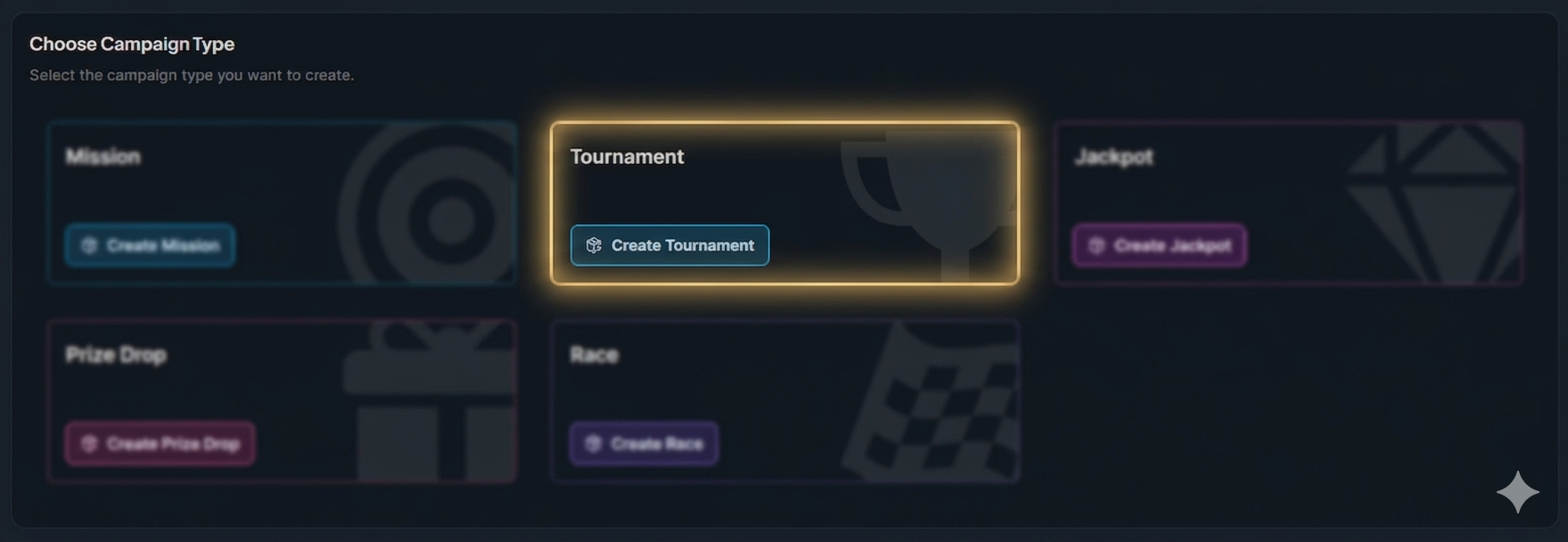
Click the button "+ Create Campaign" and choose the type 'Tournaments'.
General Settings
Set the campaign’s start and end dates, select games, and define bet requirements. For more information about campaign General Settings, click the button below.
Tournament Settings
In Tournament Settings, select Individual Mission (Chase) as the tournament type.
Mission Flow
Complete tasks in order: When enabled, players must finish tasks sequentially, one after another. If disabled, all tasks progress in parallel.
Spins before optional restart: Defines when players can restart a mission attempt. For example, setting 50 spins allows a restart after 50 spins if the player wants to try improving their run.
Tournament Prizes
Configure the rewards by defining spin thresholds and the prize for each one. This setup determines what players can win based on how many spins they use to complete the mission (fewer spins = higher reward).
For example:
Complete mission within 60 spins → €25 reward (Top reward tier)
Complete mission within 90 spins → €15 reward
Complete mission within 120 spins → €5 reward
Tournament Tasks
In this step, you define the mission by adding the tasks players must complete.
Play Task – track the number of spins completed.
Single Wins Task – track the total number of wins.
Win Multiplier Task – track wins that reach at least X times the bet amount.
Wins in a Row Task – track consecutive wins.
To add a task and configure its details, click the “Create New Tournament Task” button.
Example:
Win 25x your bet → single win reaches 25x stake
Win 50x your bet → single win reaches 50x stake
Win 4 spins in a row → 4 consecutive winning spins
Player Selection
Define who sees your campaign. You can segment by activity, demographics, engagement, and more. For more information about how to add players to a campaign, click the button below.
Content
Include campaign details, visuals, and terms and conditions. For more information about how to add content to a campaign, click the button below.
Overview
Double-check all settings, content, and player targeting to ensure the campaign is ready and publish it.
In-Game Widget
After the campaign is published and activated, players will see the overlay displayed as follows.