
How to Create a Sprint Mission
A Sprint Mission is a mission with a fixed prize pool. Players complete a sequence of tasks to finish a single mission and claim a prize, but only a set number of prizes are available across all players, awarded first come, first served. Once the prize counter reaches 0, the campaign ends.
This creates urgency: players race each other to complete the mission before the prizes run out.
Create Campaign
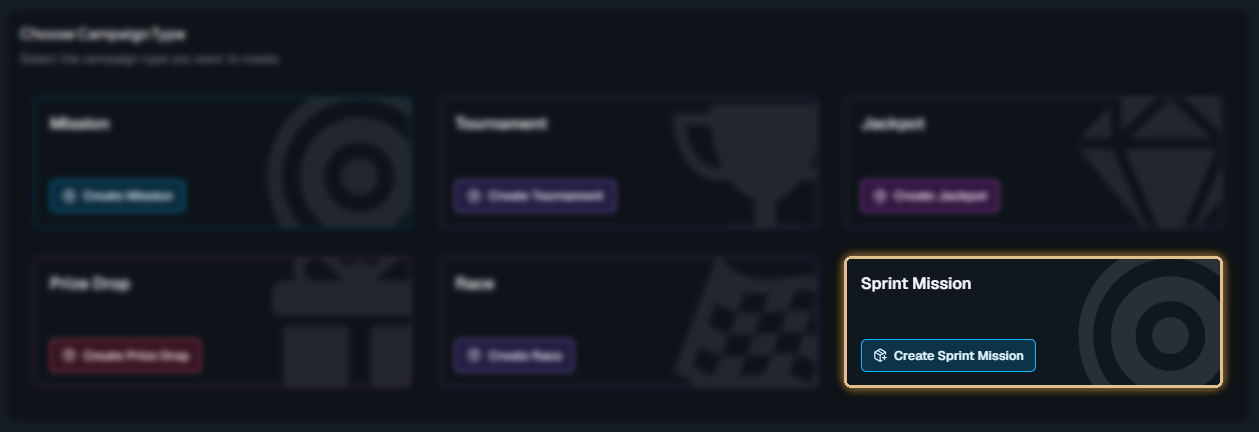
Click '+ Create Campaign' and choose the type 'Sprint Mission'.
General Settings
Set the campaign’s start and end dates, select games, and define bet requirements. For more information about campaign General Settings, click the button below.
Prize Pool
This is what makes a Sprint Mission different.
Total Prize Pool – The total number of prizes available across all players
Prize Payout Timing – Choose when winners receive their prize.
Instant: The prize is paid out as soon as the player completes the mission.
At campaign end: Prizes are held and paid out when the campaign ends or when all prizes have been won, whichever comes first.
Mission Settings
For each mission, you can configure the Mission Flow. This decides whether tasks inside the mission must be completed in order or can be completed freely.
Mission Tasks
Each mission is made up of tasks, which are the actions players must complete to progress.
Deposit Task – track deposits made by players.
Turnover Task – track total bet amount placed.
Play Task – track the number of spins completed.
Single Wins Task – track the total number of wins.
Win Multiplier Task – track wins that reach at least X times the bet amount.
Wins in a Row Task – track consecutive wins.
To add a task and configure its details, click the “Create New Task” button.
For full guidance on objectives and task setup, see How to Define Objectives and Tasks for a Mission campaign
Mission Prize
Click 'Select Mission Prize' and choose the prize type:
Free Spins – offer spins on selected games.
Catalog Items – give physical items from your catalog.
Cash Prizes – award direct cash rewards.
Deposit Bonus – grant a deposit match bonus that gives a percentage of the player’s deposit as a reward.
Bonus Money – add general bonus credits to the player’s account.
Prizes are awarded first come, first served. When the prize counter reaches 0, the campaign ends automatically.
Task prizes are not available on Sprint Missions. Prizes can only be awarded for completing the full mission
Player Selection
Define who sees your campaign. You can segment by activity, demographics, engagement, and more. For more information about how to add players to a campaign, click the button below.
Content
Include campaign details, visuals, and terms and conditions.
For more information about how to add content to a campaign, click the button below.
Overview
Double-check all settings, content, and player targeting to ensure the campaign is ready and publish it.
In-Game Widget
After the campaign is published and activated, players will see the in-game widget displayed as follows.
Related Topics
Looking to take your Missions further?
Learn how to create a Progressive Mission campaign to guide players through multiple stages and increase long-term engagement → [How to create a Progressive Mission campaign]