
How to Manage Game Themes
Organise games with Themes to streamline campaign setup. Themes allow quick selection or exclusion of games and make it easy to mix titles from different providers in a single campaign.
Games Page Overview
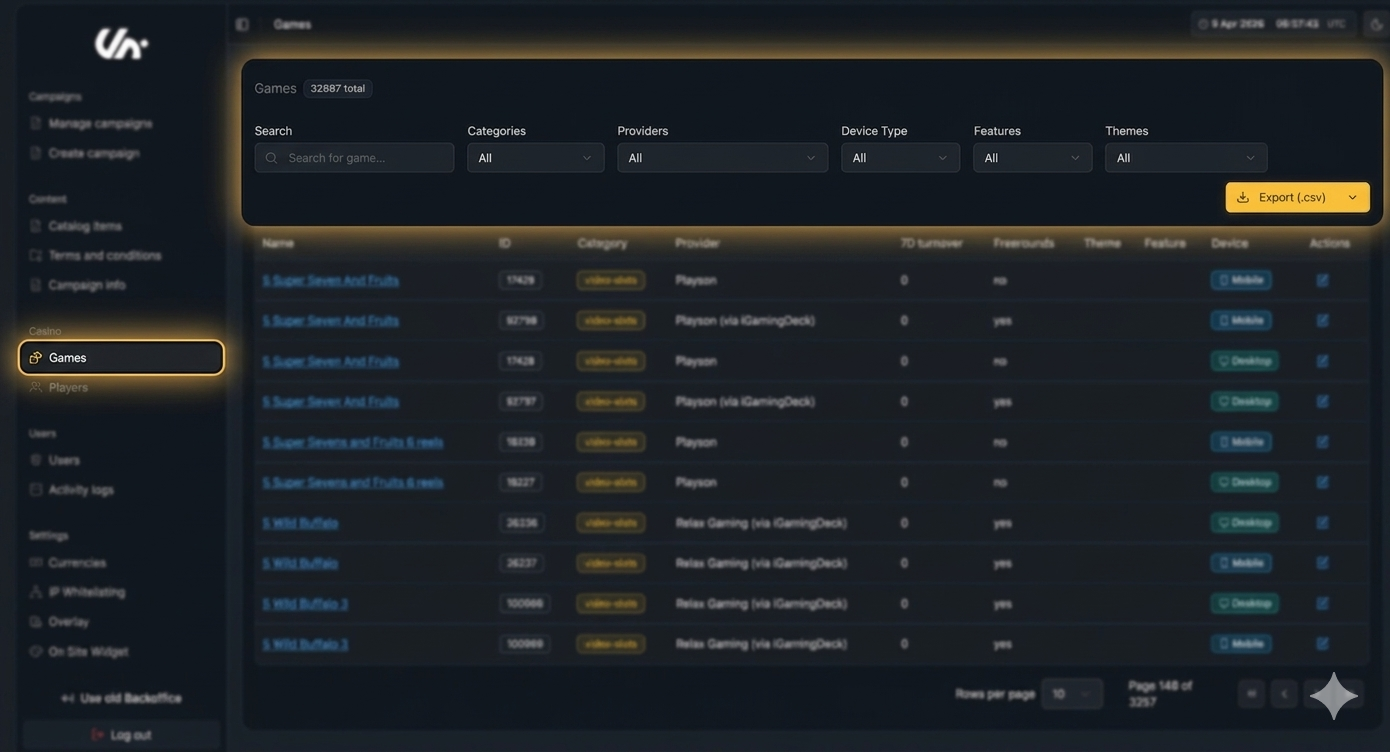
The Games page is where you manage all individual games. You can:
Search for games by name.
Filter games using available criteria.
Edit game settings, including Features and Themes.
Export a CSV file containing all games for external use or analysis.
Adding a Theme or Feature to a Game
You can assign both Themes and Features to a game using the same process:
Open the game you want to edit.
Navigate to the Themes/Features section.
Select an existing Theme or Feature from the dropdown, or type a new name to create one.
Save your changes.
Note:
Adding a game to a Theme or Feature automatically updates all campaigns that use it.
Removing a game from a Theme or Feature also updates campaigns automatically.
Related Topics
For step-by-step guidance on adding games to a campaign, see [How to add games to a campaign].