How to Configure Tags for Player Selections
In the IGP platform, you can assign tags to player accounts. This can be done either manually from the player account or automatically based on certain triggers from Customer.io.
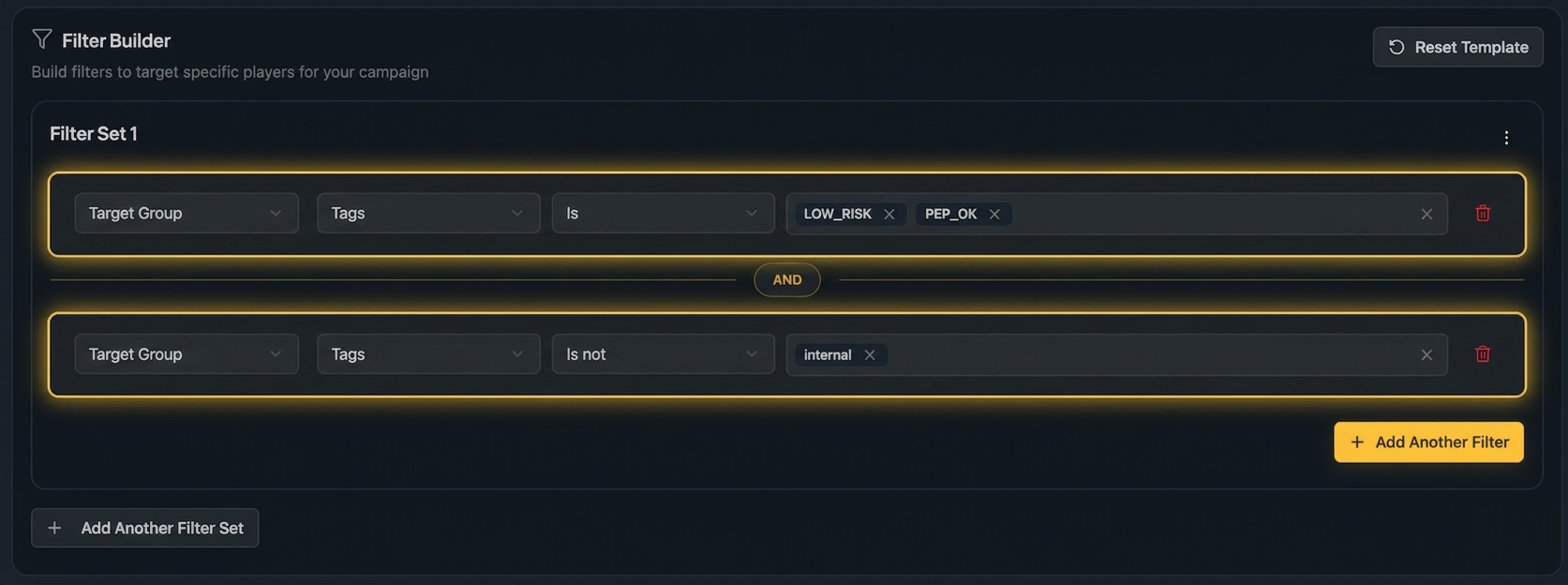
The tags of each player are sent with the Player Information from IGP to Unibo, allowing you to use the tags when creating the player selection for your campaigns. You can choose to include or exclude players with specific tags in your player selection.
For example, you may want to include players with tags:
DepositorLow-valueMedium-value
And exclude players with tags:
High-valueBonusAbuser
How do I create a player selection based on tags?
When selecting players in Step 3 (Manage Players) of the campaign creation, select Customize and then create a filter with the tags you want to include or exclude.
For example, your selection could look like this: